Ultiro
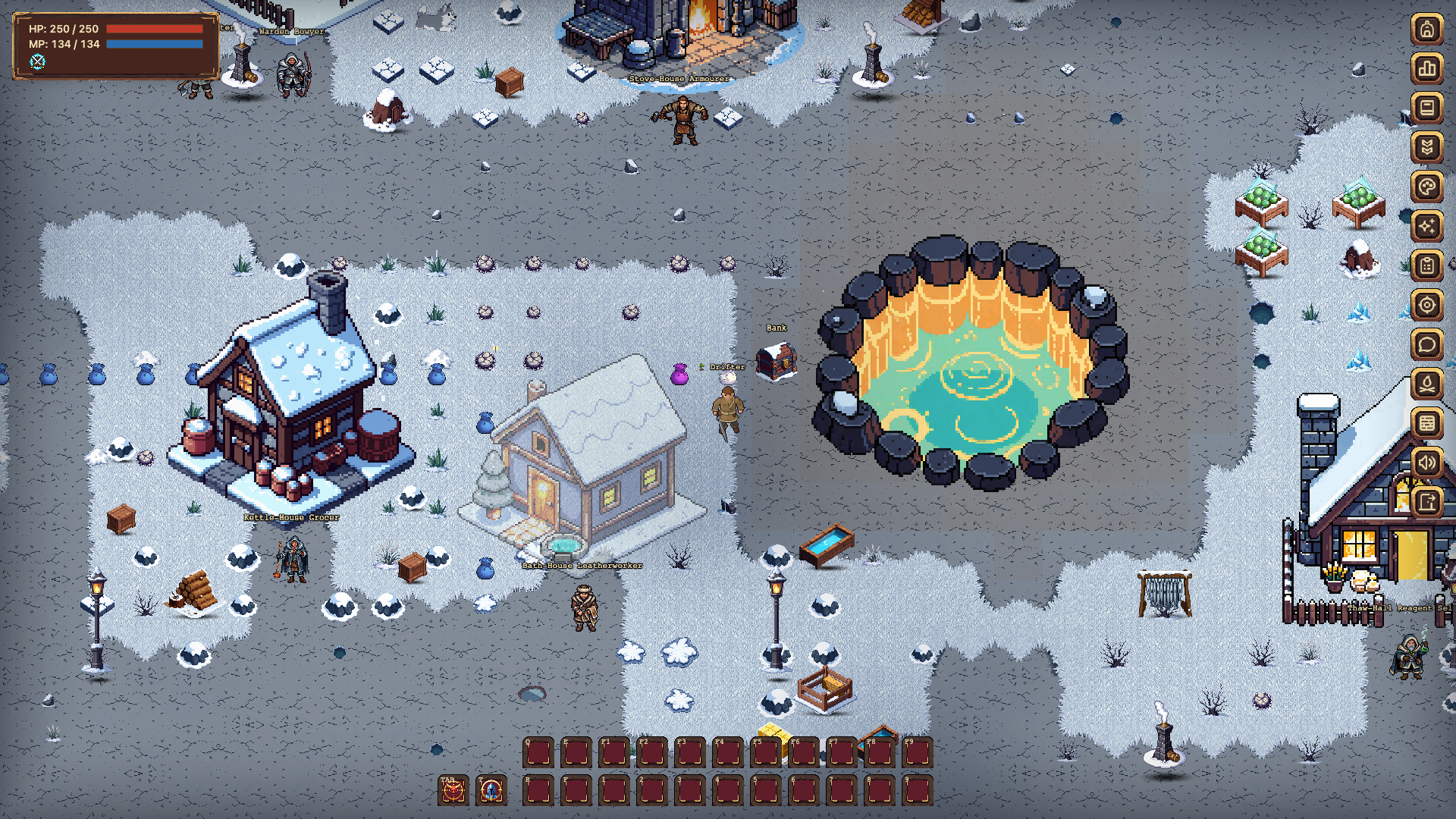
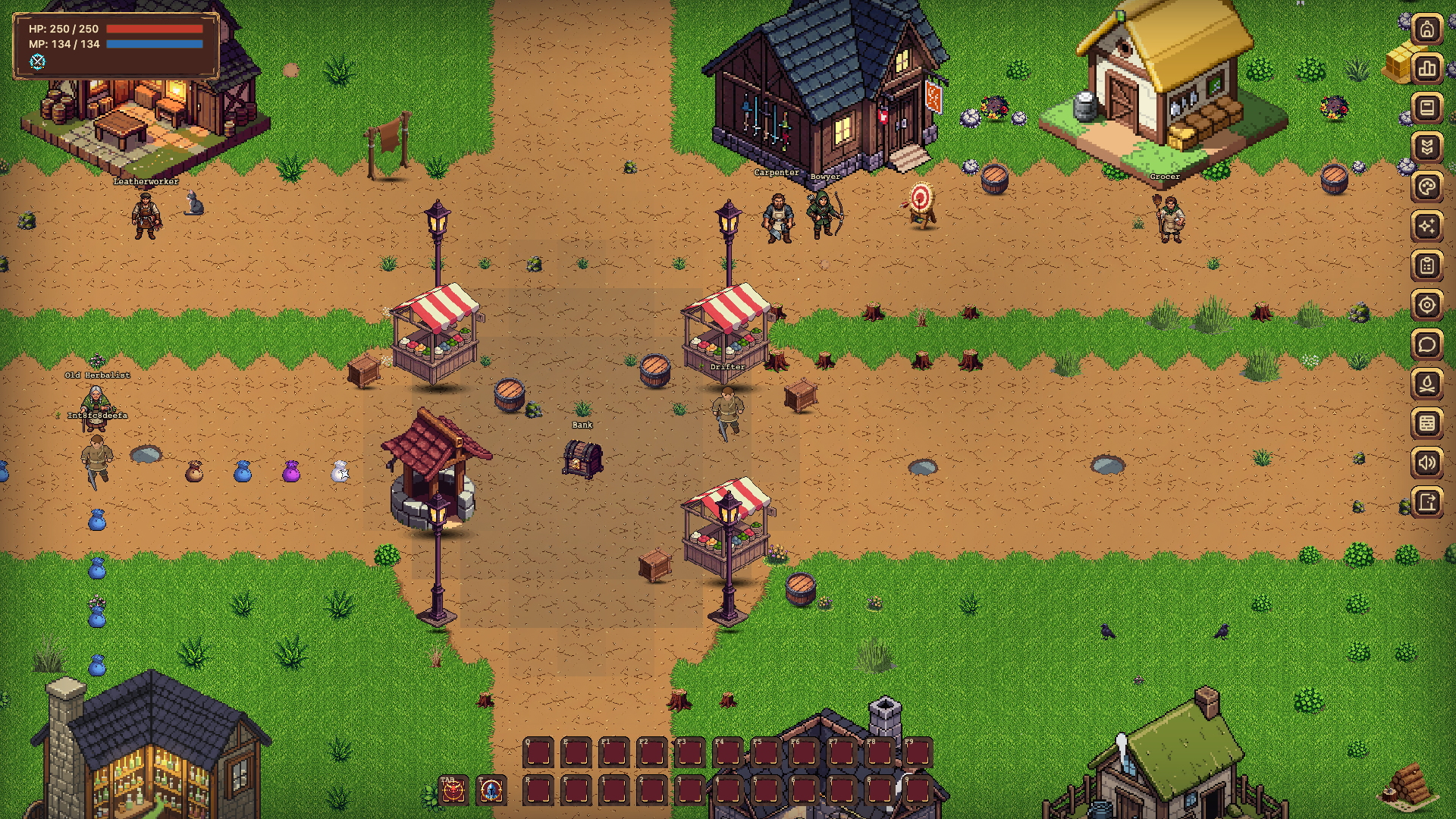
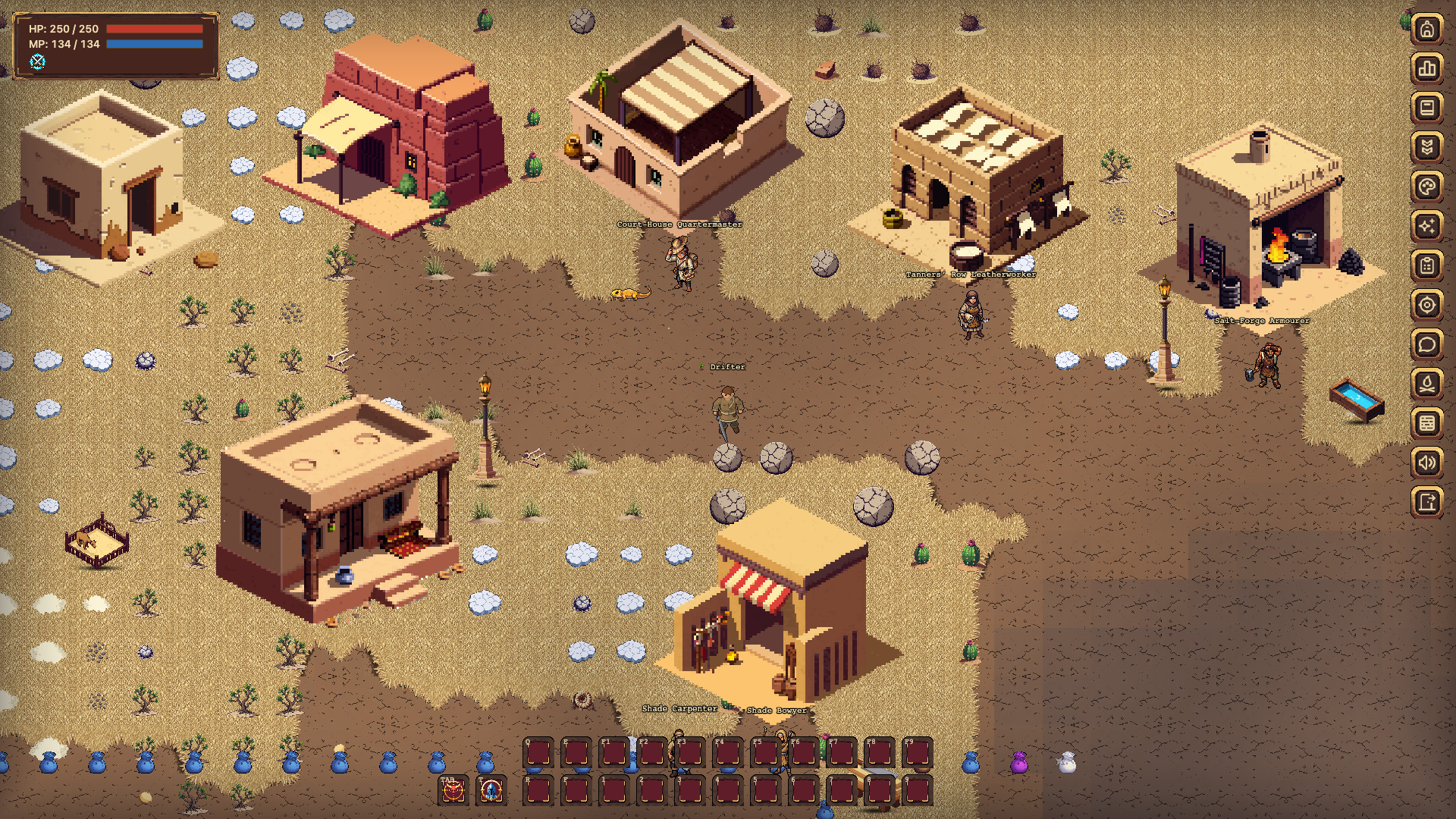
Ultiro is a 2D top-down, full-loot MMORPG in the spirit of Ultima Online, Albion Online and Ragnarok. It opens from a link: no install, no client, and it plays on desktop and on phones.
Play now: https://ultiro.aidnd.uk
- Full loot: whatever you carry can be taken from your body.
- Classless builds: your skills grow as you use them, and you mix weapons, magic and support however you like.
- Player crafting: alchemy, tailoring and cooking, with Exceptional-quality items.
- A world of maps around three cities, with day and night, weather storms and a red city for outlaws.
- PvP with consequences: murderers are marked and barred from the peaceful side.
- Parties, summons, quests, a bank and city vendors.
Ultiro is in open beta and gets updates often. Feedback is welcome in the comments.
Comments
Log in with itch.io to leave a comment.
Dude you gotta provide a forum to report bugs, man. I'm on mobile. Just started. Didn't even leave the city or walk around yet. Went to settings. Sound. I just tapped the bars and they both went to zero and won't come off of zero. No Bueno dude.
Thanks for your report, man!
I just finished the mobile view and need to test it thoroughly. I'll check this bug and make a fix.
I'm really happy for any bug feedback!
What about optimization? Because that's a bigger problem right now. I tested with some different phones, and it looks like it's playable only on the top one. :((((
Heya dude I'm glad you're interested in optimization of the mobile experience of the game man. Shows you care. It's a bit on the ok side. Some text goes slightly out of the screen but nothing game-breaking. The full-screen option in-game is wonderful and helps a lot with that. The gameplay, well I've yet to thoroughly explore that. But you're on a good track so far. I'll keep you updated as I play. Thanks for replying. By the way I'm using a Samsung a14. Not very new phone but a good basic model.
OK so I played a bit and tried the combat. It's OK but the joystick is a bit janky. Learnt a few stuff as well like looting. Died and dropped my bag and lost everything cause I didn't learn you double tap on loot bags. I think loot bags can stay on the ground a but longer before disappearing. But it a solid game in my opinion. Ima keep you updated.
Hey, thanks for the reports. :)
Already live:
- You can report bugs from inside the game now: Settings > Report a problem. Got your white screen report.
- Phones run faster: a mid-range phone went from about 40 to about 57 fps. Settings > Video has Low / Medium / High quality and an FPS / ping readout. Try Low on your A14.
- The joystick floats: press anywhere on the left side and that's the centre, only a slide moves you.
- Closer camera on phones, solid windows and easier to read text. Should help with text going off the screen.
- A loot button next to the potion picks up every bag around you, no double tap needed.
- Your starter kit is blessed, you keep it when you die. There's also a healer in Aldwyn Cross, the Sister of the Dawn.
Coming next:
The bag you drop on death gets a skull next to it and your name on it, and stays for 15 minutes instead of 3. The death screen tells you how to pick it up.
White screen: I see it happened to you 5 times, working on it. Does it happen when you switch apps or lock the screen, or in the middle of playing? And which video quality were you on?
Sound sliders stuck at zero: still on the list, not fixed yet.
Hey dude. The white screen has only happened when I go into the ability menu. I swiped over the various abilities to get the tool tip and while reading the screen goes white. The screen automatically goes into full when I press the general menu button from play. I haven't fiddled with the performance options yet so everything is on default. I played for about an hour and it didn't happen. And I mean all loot bags should stay longer not just your personal bag. I thank you for your help and I would appreciate your speed with regards to the sound sliders. Playing without sound is not immersive in the least. Oh yeah how do you use the bank? I clicked on the chest and it went to the bank storage screen but I don't see an option to deposit from your pack.